The bag had to stay the bag.
Collection imagery and close-up details for A+ content. Nearly 900 PDP lifestyle images in two weeks. Both needed to look right without losing the real product.
My part: I set the visual strategy and creative direction, built the PDP production system and its review gates, and worked with my team to check each larger batch before it moved on.
A collection has a look. The details still matter.
The A+ work moved between wider collection images and close product views. These examples show both, without turning the page into a catalogue.
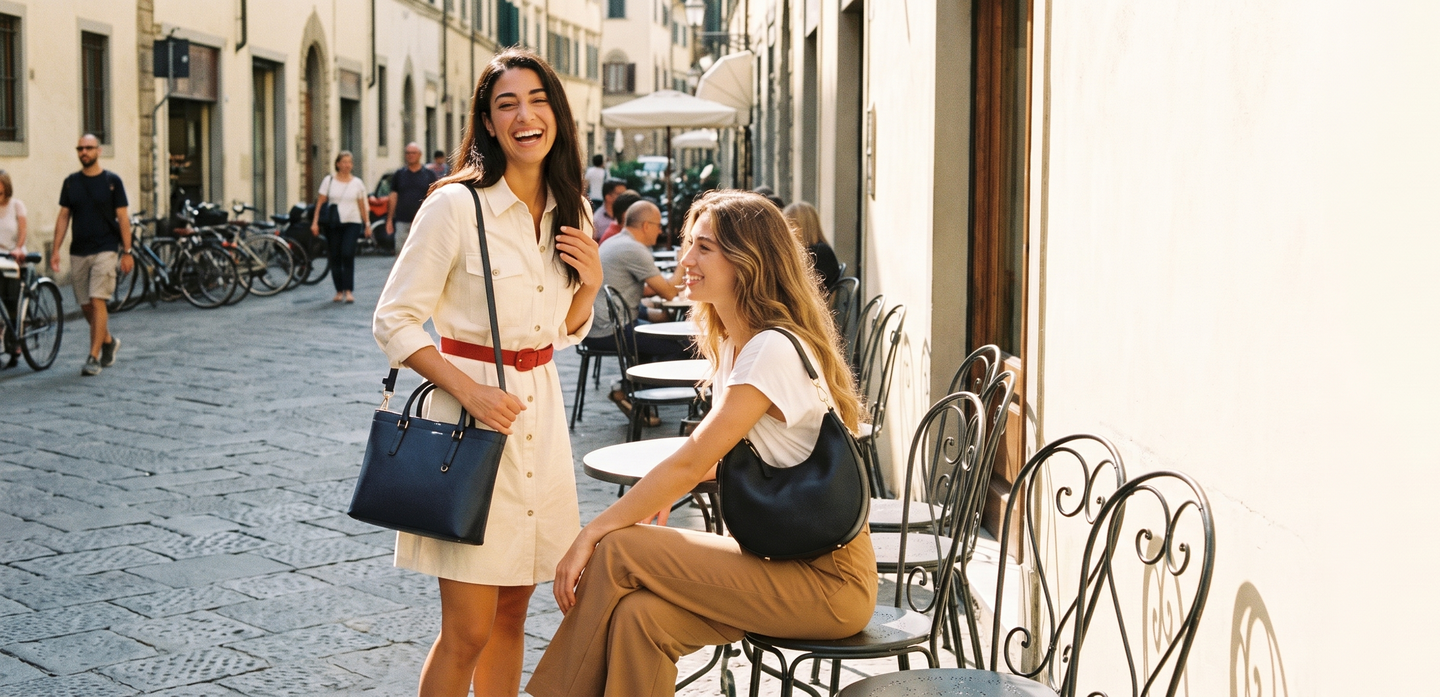
Two bags, one setting; both products remain visible.
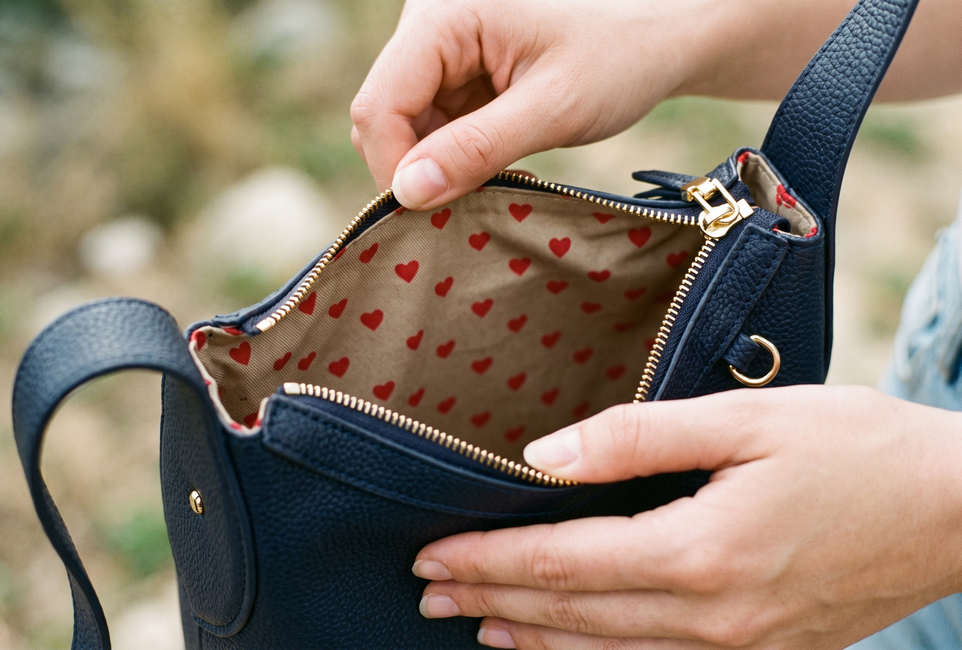
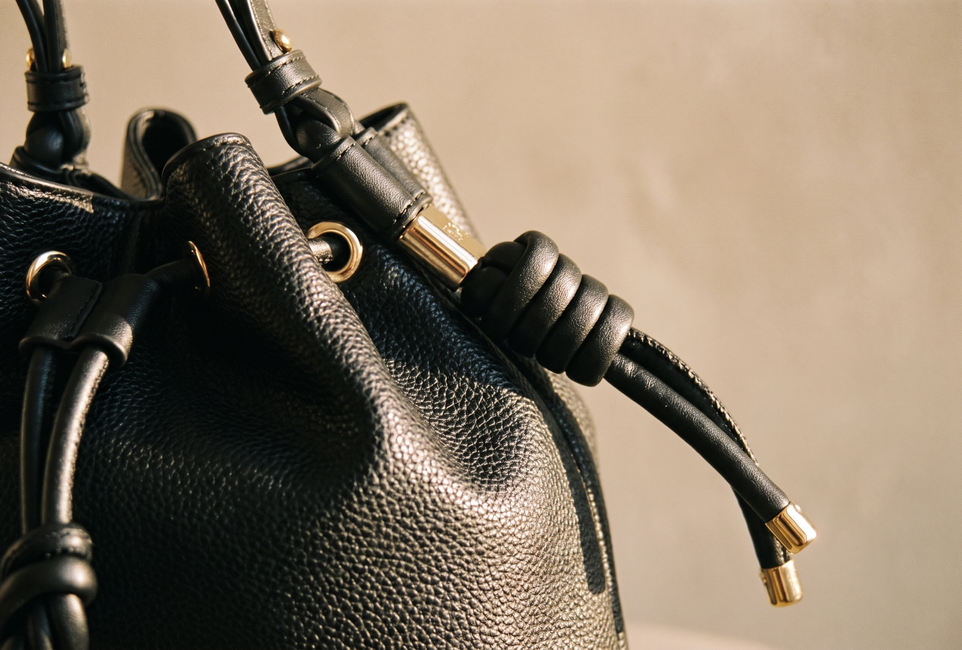
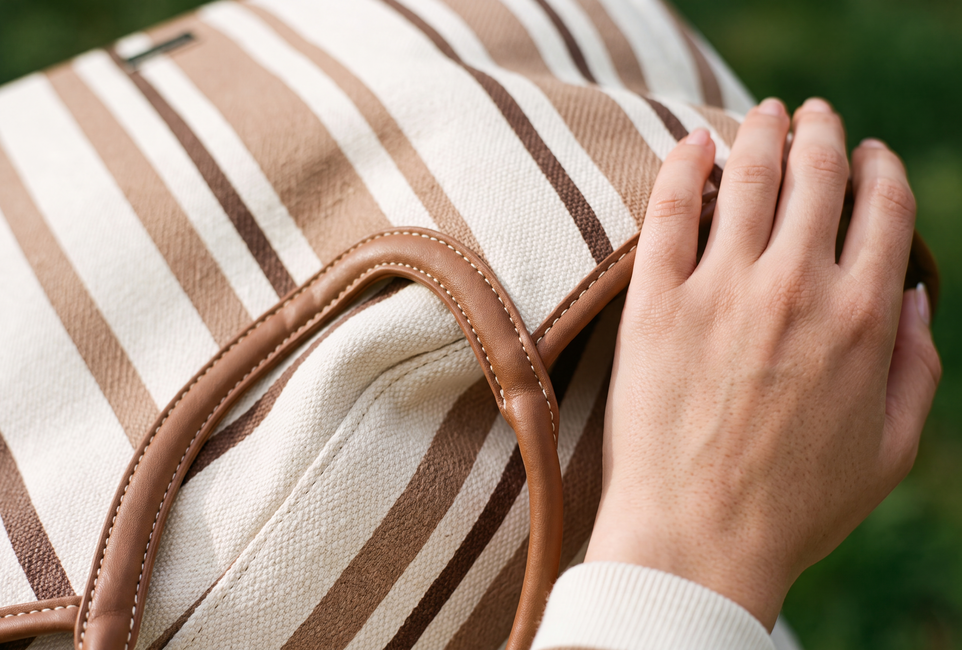
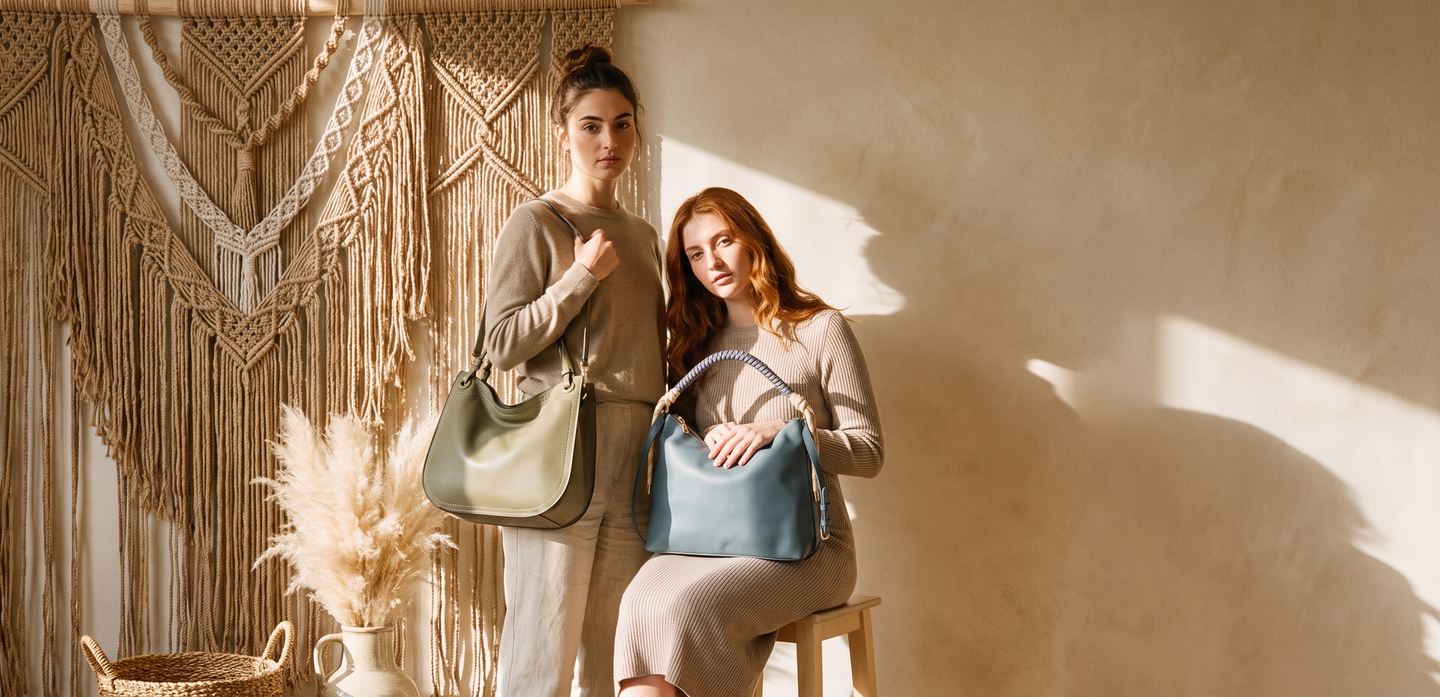
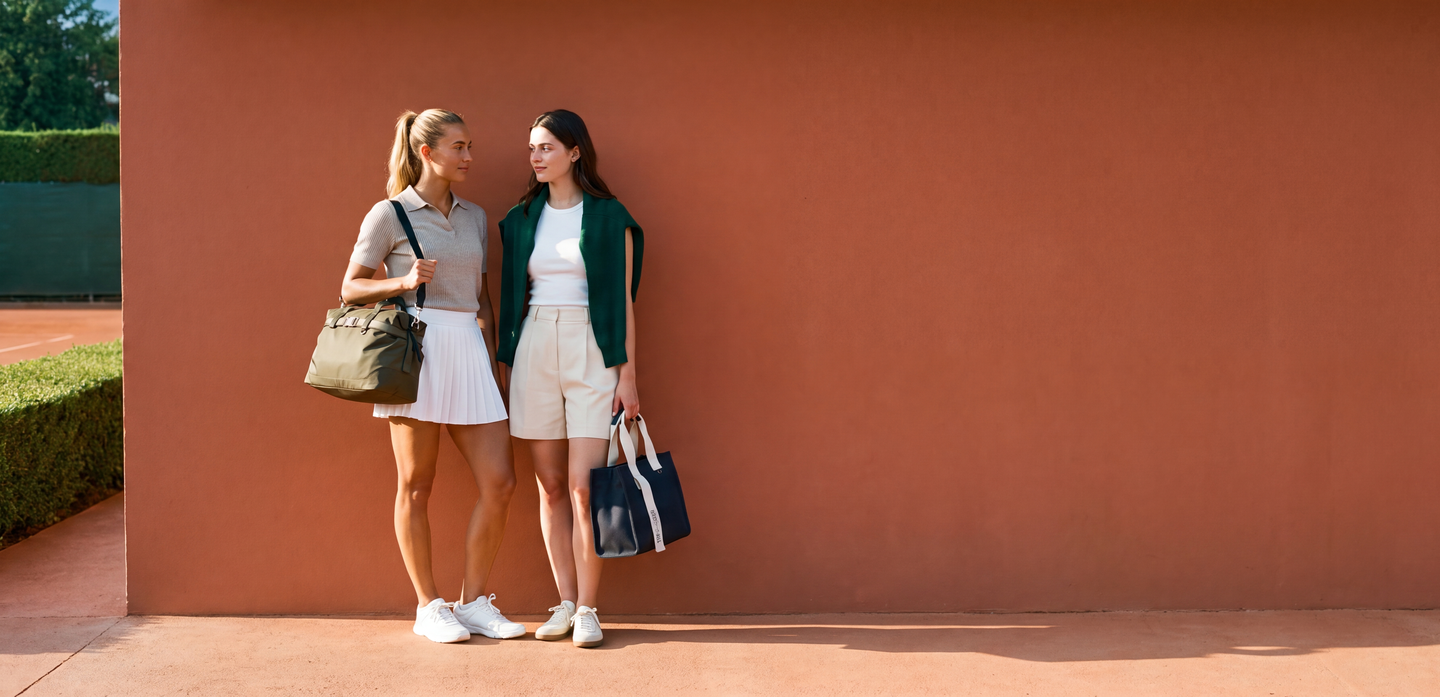
Make the product easy to see.
For PDP, people need to see the actual product. Here is the original crossbody next to the lifestyle image we made from it.
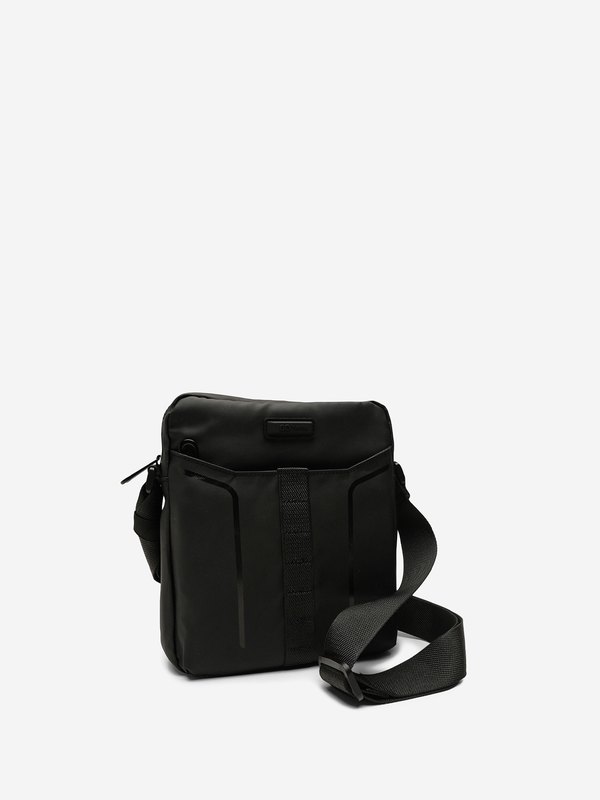
The supplied bag photograph.
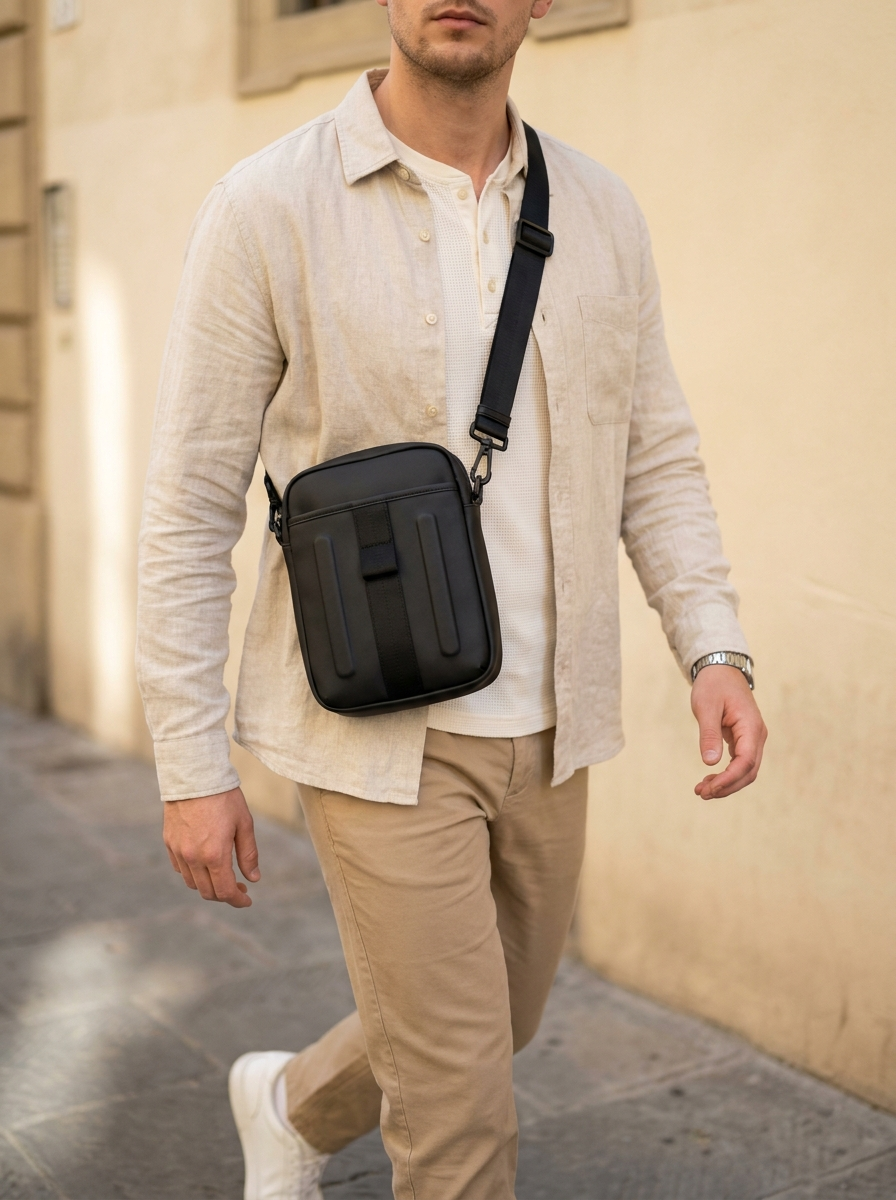
Same silhouette and front panel, shown in use.
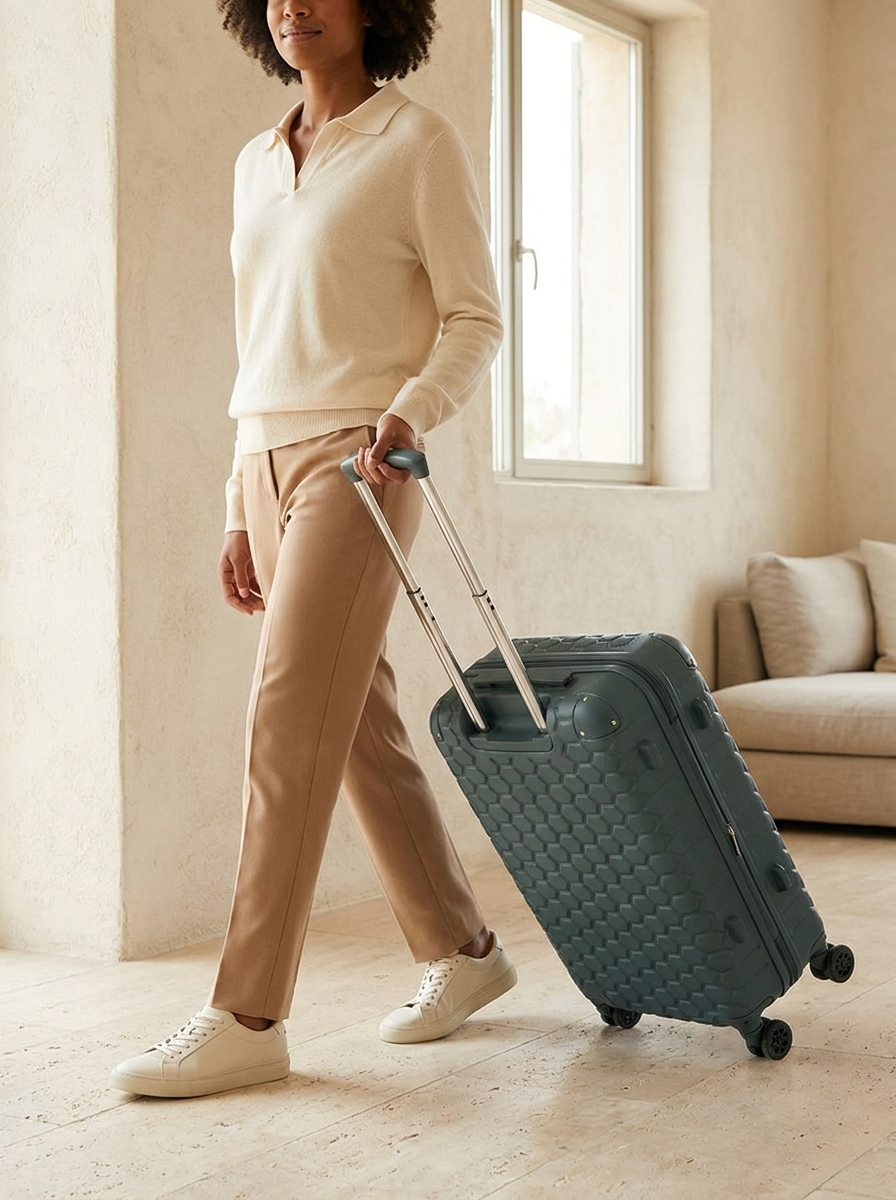
The same system also covered luggage, with the suitcase kept central in the frame.
Move in batches. Stop at the right moments.
I set up the inputs and the review gates so the team could make nearly 900 images without treating approval as an afterthought.
- 01 / INPUTProduct filesPhotos organised by product, angle and size.
- 02 / DIRECTIONCollection lookMatch each item to the client's sheet and the intended look.
- 03 / OUTPUTBatch of 20Generate a small set rather than the entire collection at once.
- 04 / AUTOMATED GATECheck and remakeCompare against references; recreate anything flagged before moving on.
- 05 / HUMAN GATEReview at 100My team or I decide whether the next set can begin.
The automated check runs before the next batch.
People review the work and prepare a client-ready presentation for approval.
Scale without skipping the checks.
We completed nearly 900 PDP lifestyle images in two weeks. The important achievement was the combination: a repeatable system, product-reference checks and human sign-off before the client saw each set.